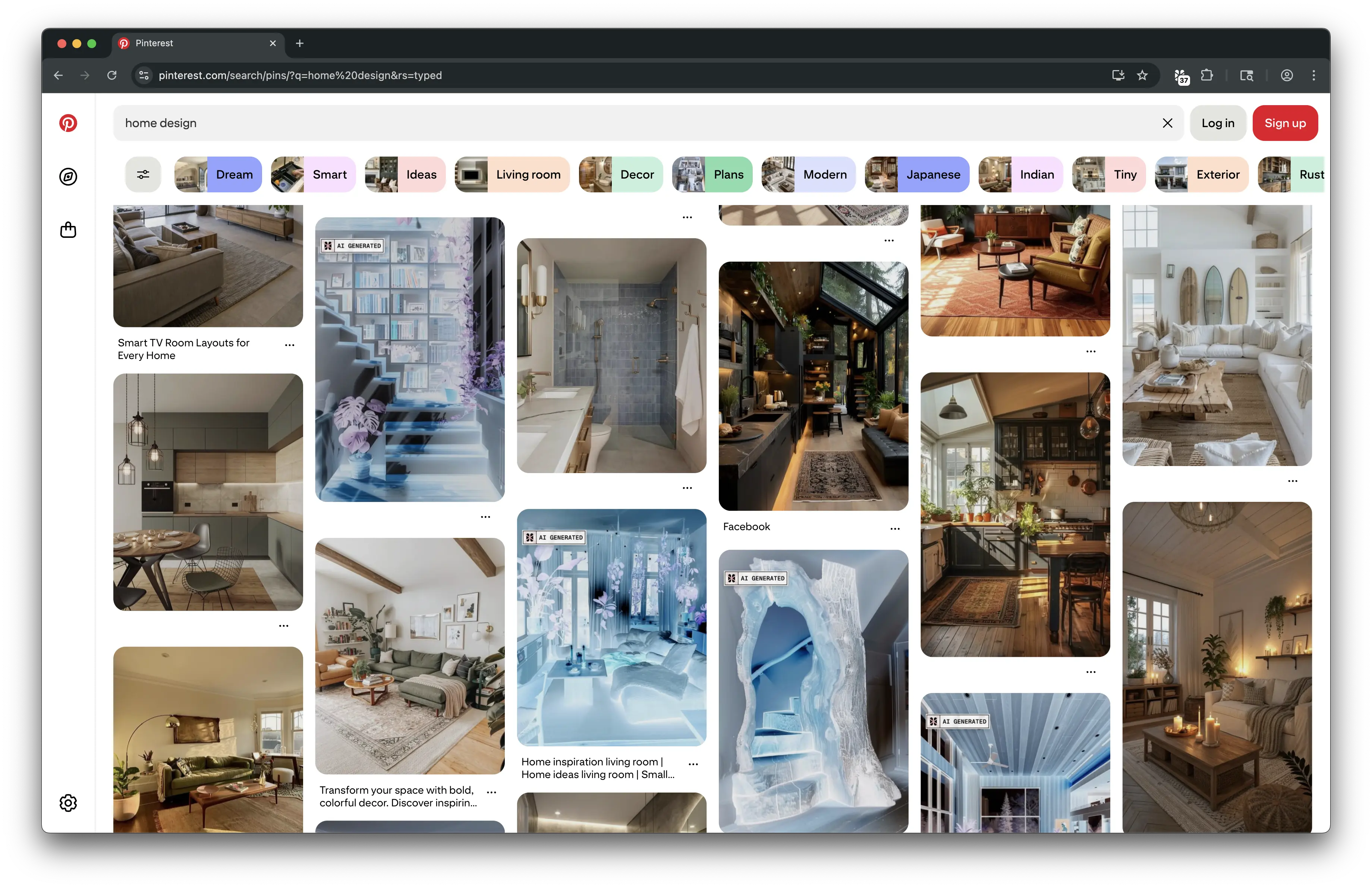
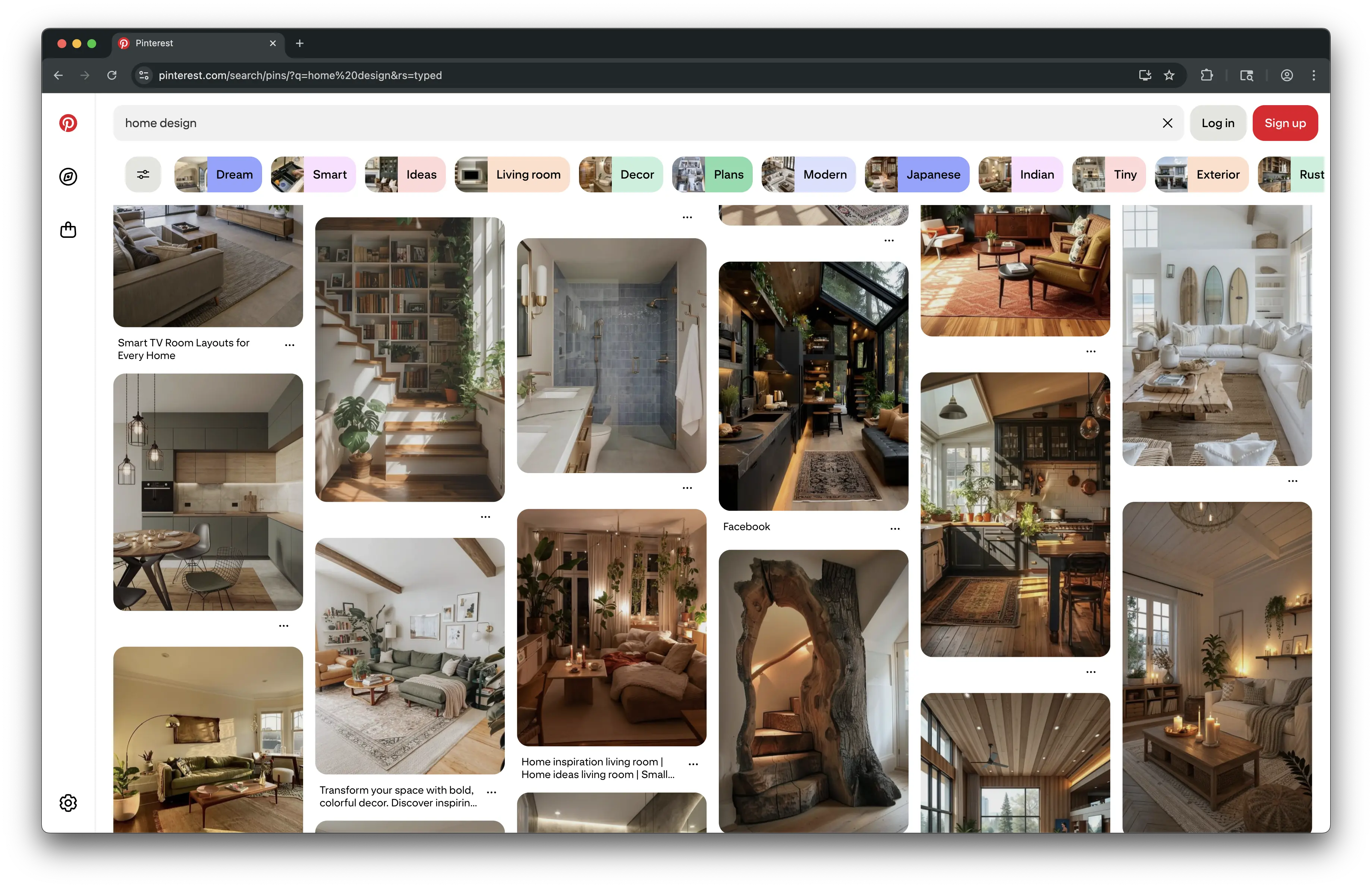

Scan Anything. See What's Real.
Whether it's written, drawn, spoken, or filmed.
AI Blocker reveals the truth behind every format.
Image AI Detector
Spot fake or AI-generated images instantly. Detect deepfakes, AI stock photos, and visual misinformation before they spread.

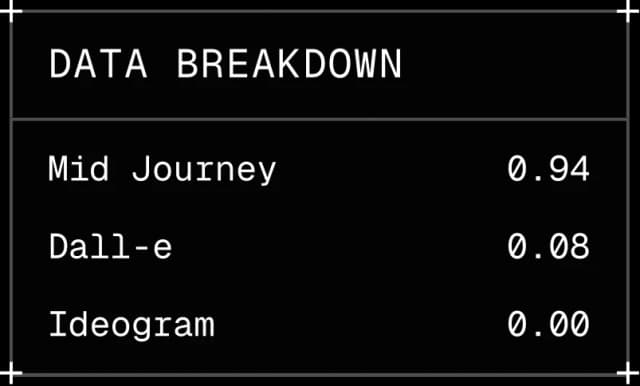
AI TEXT DETECTOR
Check if what you're reading is real. Instantly identify AI-generated articles, posts, or documents.
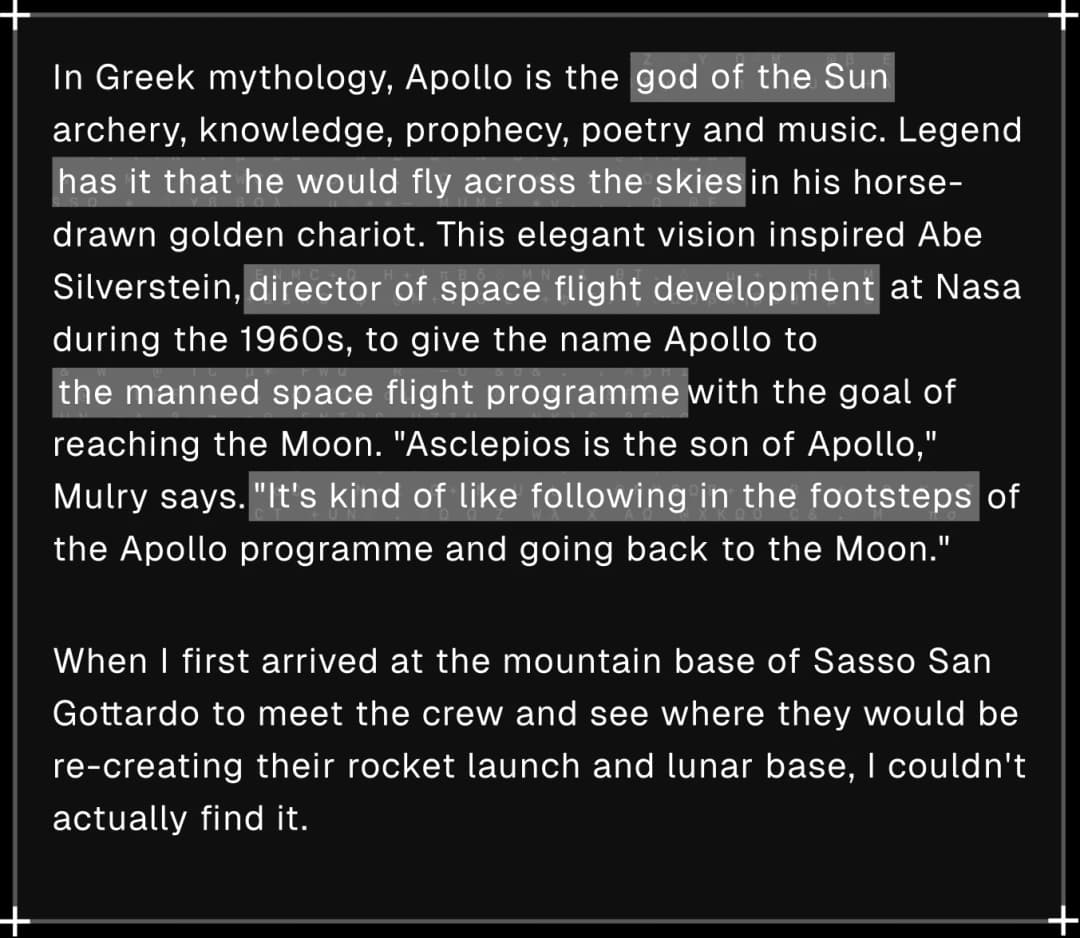
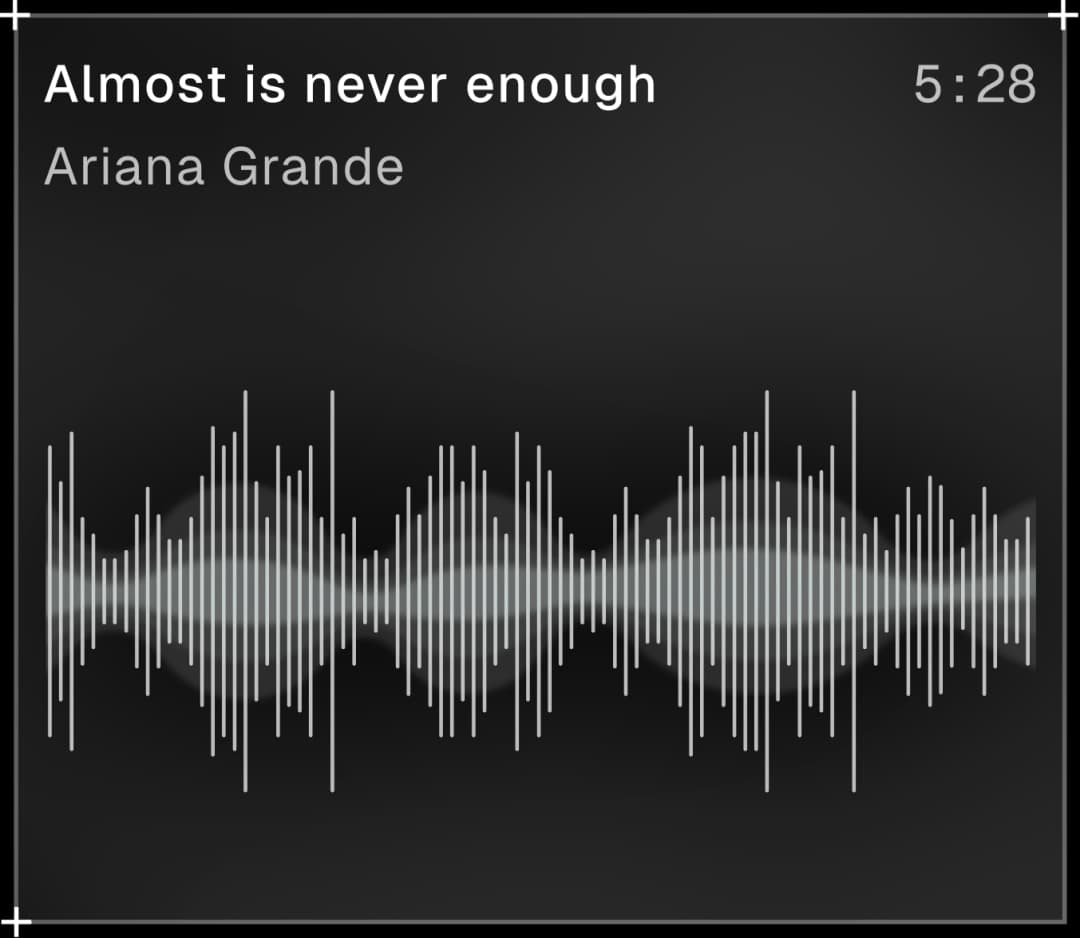
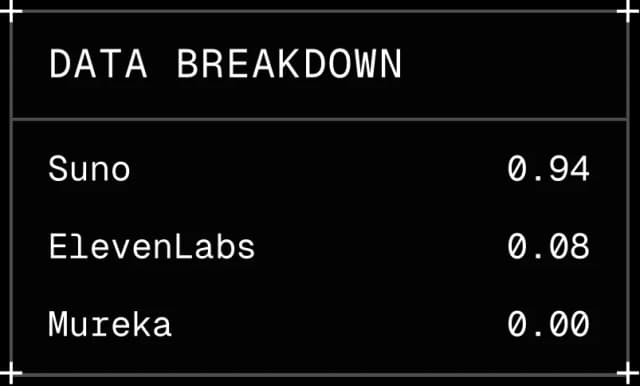
AI MUSIC CHECKER
Detect cloned voices or AI-generated songs. Protect artists and ensure every track is authentic.
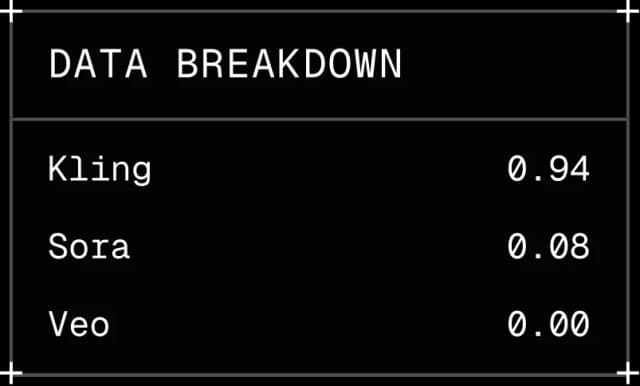
AI VIDEO DETECTOR
Detect cloned voices or AI-generated videos. Protect content creators and ensure every video is authentic.

Seamless one-Click Scan.
Judge Any Media with Confidence
Install AI Blocker to scan text, images, or video on any site. Get an instant confidence score to judge your content.
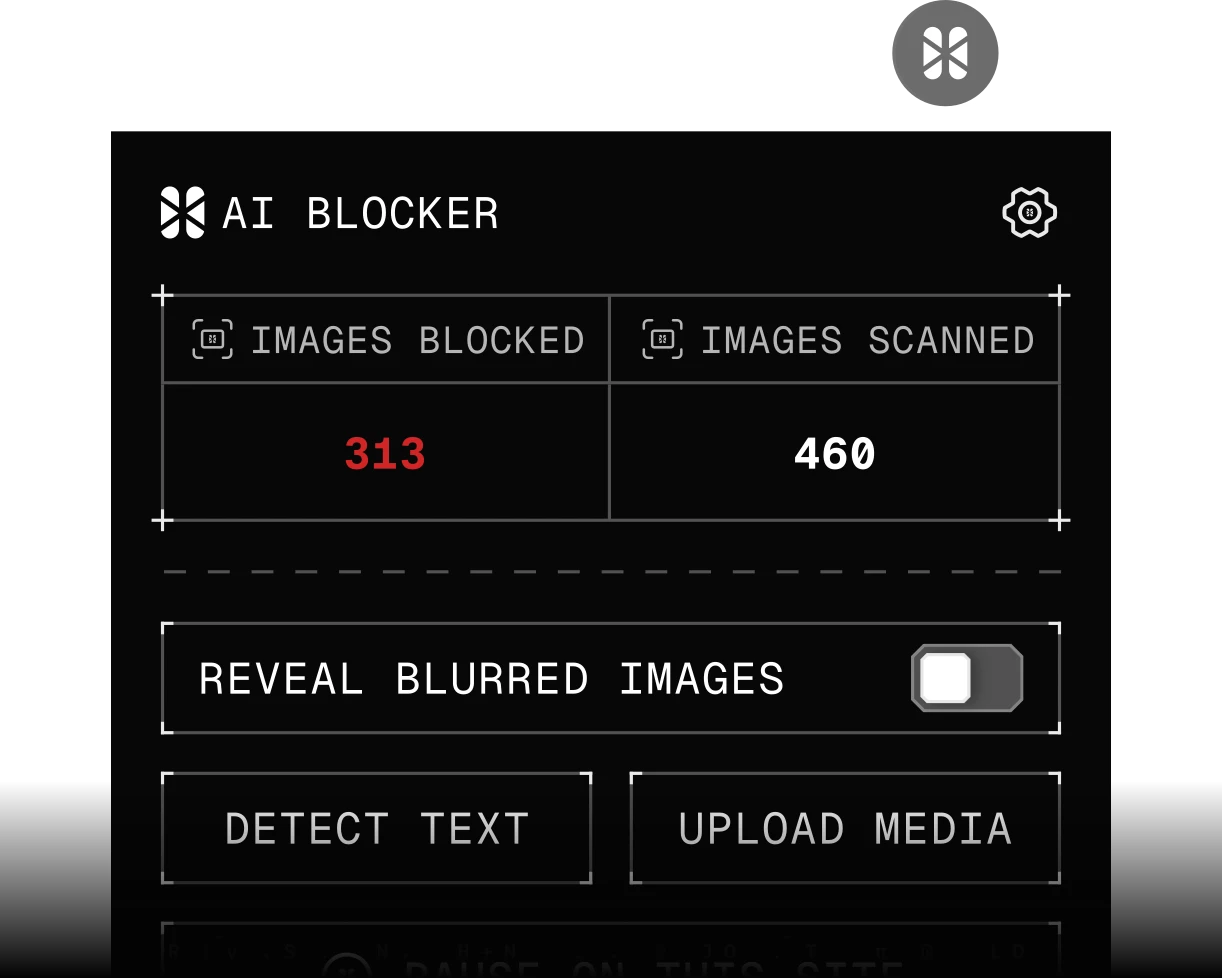
Real-time detected
Install AI Blocker and start checking any site in just one click.
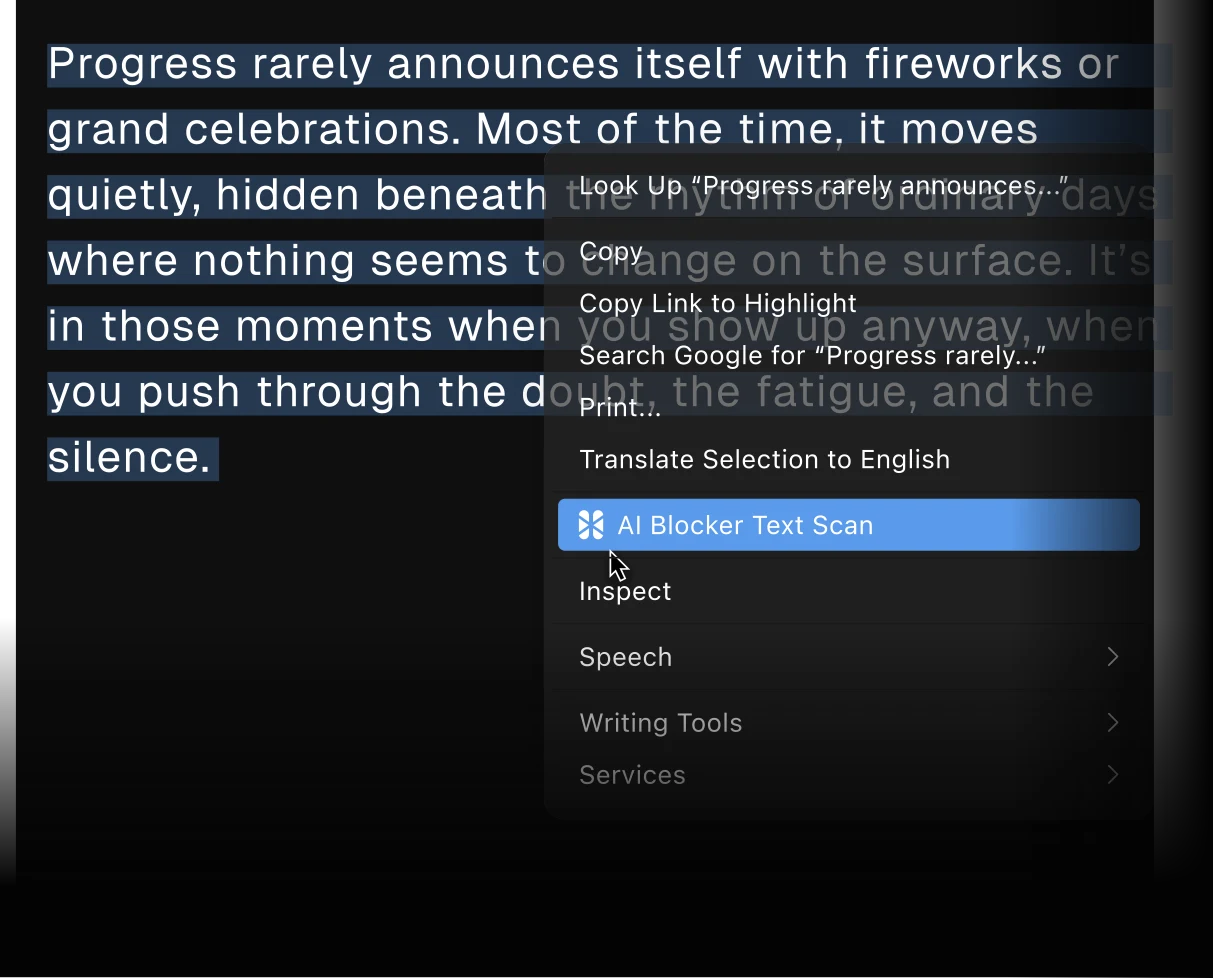
Instant Preview
Right-click any media to instantly check AI detection confidence.
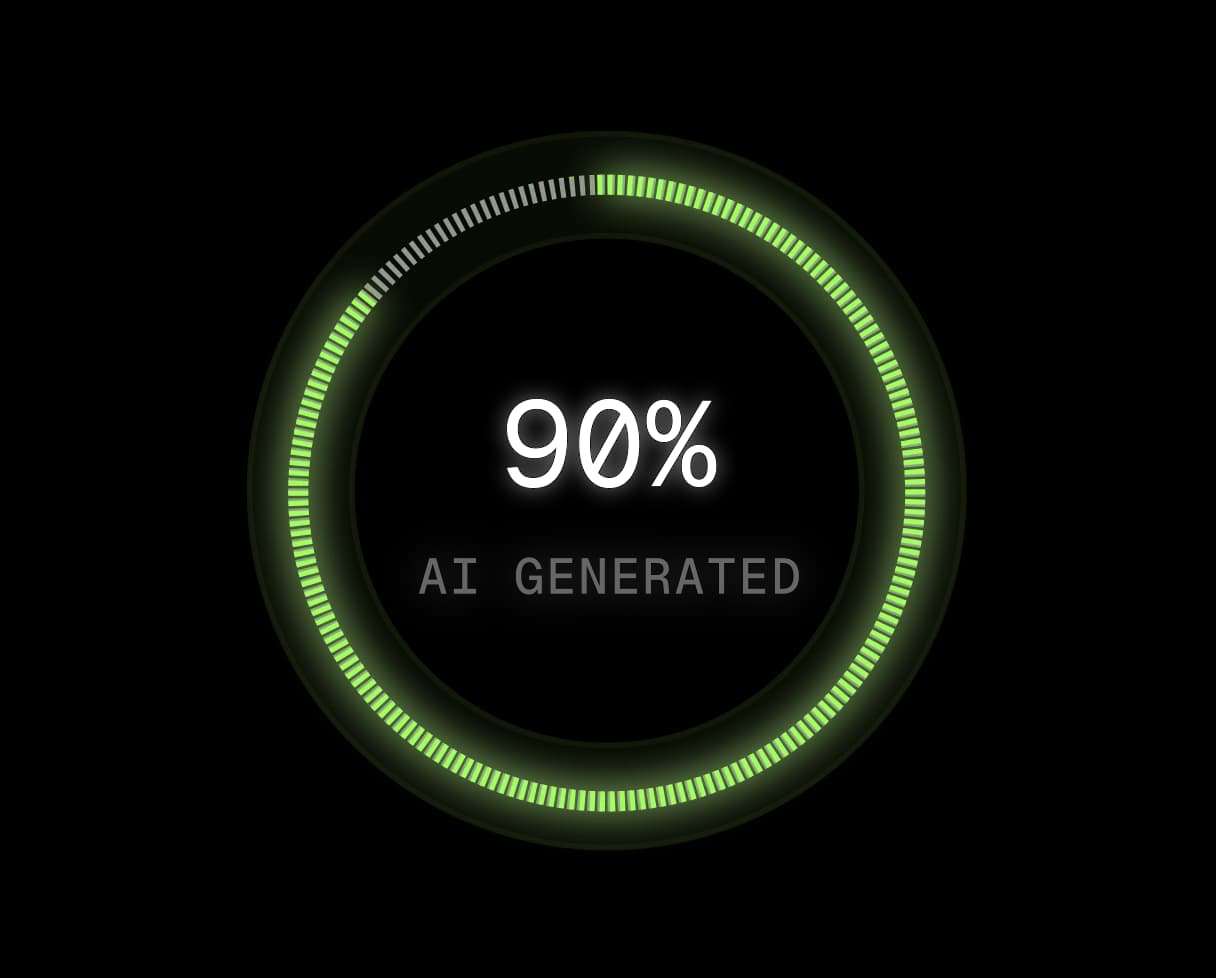
Detailed Score
View comprehensive detection scores and media authenticity reports.
Everything an AI Blocker Should Do
Block AI-Generated Images on Any Site
Install the extension, browse like you always do, and AI Blocker does the rest. Three steps, no setup:
- Add AI Blocker to Chrome from the Chrome Web Store.
- Browse normally. Every image on the page is checked for AI automatically.
- Images detected as AI-generated are blurred with a label. Click any blurred image to reveal it.
A Real AI Detector, Not a Keyword Filter
Most AI-blocking tools filter by account lists, tags, or keywords. Lists go stale, and new AI accounts appear faster than anyone can track them.
AI Blocker looks at the image itself. Detection is powered by AI or Not, which analyzes each image for the patterns AI generators leave behind. That means AI Blocker catches AI images no matter who posted them or where they show up.
Block AI Content on Pinterest, YouTube, and Social Feeds
AI slop is loudest where you scroll the most. AI Blocker works on every site in Chrome, and our guides cover the platform-specific options too:
Hide Google AI Overviews
Want your search results back to ten blue links? Google AI Overviews can be skipped per search or hidden entirely. Our guide to blocking Google AI Overviews covers the built-in Web filter, URL tricks, and the extension route.
AI Blocker for Chrome, Built for Privacy
AI Blocker is free to install and runs in Google Chrome. Content you upload for checking is deleted immediately, and your checks are not stored. Running a website instead? Learn how to block AI bots and crawlers from scraping your content.
Got Questions?
Everything you need to know about how AI Blocker works and how it protects your browsing experience.
AI Blocker is a free Chrome extension that detects and blurs AI-generated images on every page you visit. You can also check text you're reading for AI writing, and upload audio or video for instant AI detection.
Every image is checked for AI automatically as the page loads, and images detected as AI-generated are blurred. Click any blurred image to reveal it. You can highlight and check text as you browse, and upload audio or video any time.
Yes. AI Blocker is free to install from the Chrome Web Store, and image blocking works out of the box.
Install AI Blocker from the Chrome Web Store and browse normally. AI-generated images are detected and blurred automatically on every site, including social feeds and search results. No settings required.
Detection is powered by AI or Not. Images are analyzed pixel by pixel to match the patterns of real or AI-generated pictures. For text, word choice and sentence structure are analyzed to determine whether it was written by a person or AI. Audio is compared against real music and human voices versus AI-generated alternatives. Video is split into frames, and each frame is analyzed to determine if the video is real.
No. All content uploaded for checking is deleted immediately, and your checks are not stored.
AI Blocker works on any site you browse in Chrome, including Pinterest, YouTube, Facebook, X, and Google image results. If a page shows images, AI Blocker checks them.